Meta description best practices may seem technical. The basic idea is easy: write for the person who looks at the search results not for a computer algorithm. Your meta description is the pitch that appears below your title and it has only a few seconds to win a click.
Most guides give you a list of rules. Then stop. This guide covers the rules the process I use for every SEO description and the limits of what a description can do. I do not have client case studies to share so each example below is an illustration, not a proven result. When Google’s own documentation states something I link to it.
By the end of this article you will know what to write, how to make it and what to do when Google ignores it.
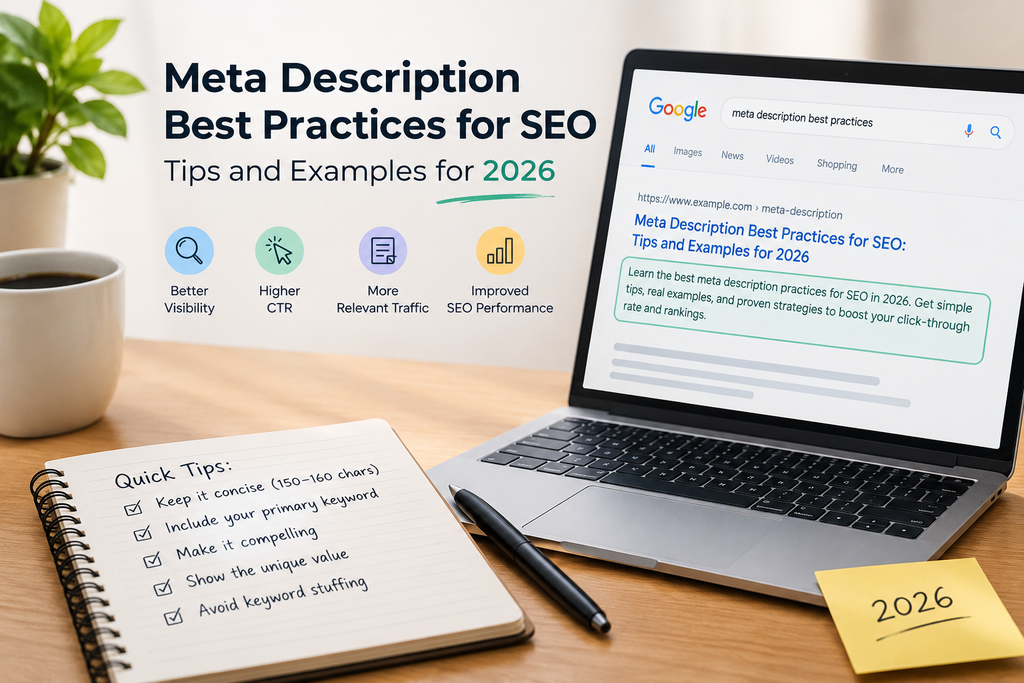
What Is an SEO Meta Description? Meta Description Best Practices
An SEO meta description is an HTML tag that summarizes a page. It sits in the <head> section of your page and search engines can display it as the snippet underneath your title in the search results.
Does it help you rank? Google has said for years that the meta description is not a ranking factor. Its snippet documentation treats the description only as one possible source for the snippet.
So why bother? Because a clear meta description can decide whether a searcher clicks your result or the one above it. Some SEOs think that higher click‑through rates can help indirectly. No one outside Google can prove that so treat it as a bonus, not a guarantee.
7 Meta Description Best Practices That Still Work in 2026 Meta Description Best Practices
These meta description tips remain useful no matter what Google changes next.
1. Give a reason to click. Explain what the reader will learn or gain, not the topic. “Learn about SEO keywords” tells them nothing. “Learn how to find SEO keywords that attract visitors” does.
2. Match the page. The meta description must reflect what is actually on the page. A mismatch brings clicks that leave immediately. It makes Google more likely to ignore your text.
3. Use the keyword once naturally. Place it near the front if it reads well. Never repeat it to fill space.
4. Aim for about 150 to 160 characters. Google does not set a fixed limit. Results get truncated to fit the screen. Put the part first so a cut‑off does not damage the message.
5. Write a meta description for every page. Google’s own guidance says to do this and to prioritize your homepage and top pages if you cannot cover everything.
6. Skip keyword lists. Google’s documentation says strings of keywords do not tell people what the page is about.
7. Add details. A number, a year a format like “with examples” or a price gives searchers something to judge.
One caution: these are guidelines, not laws. A product page a news article and a tutorial each need a different tone.
Meta Description Examples: Weak vs. Strong Meta Description Best Practices
These are illustrations I wrote to show the pattern. They are not search results and I have no performance data for them.
Page topic | version | Stronger version | What changed
— | — | — | —
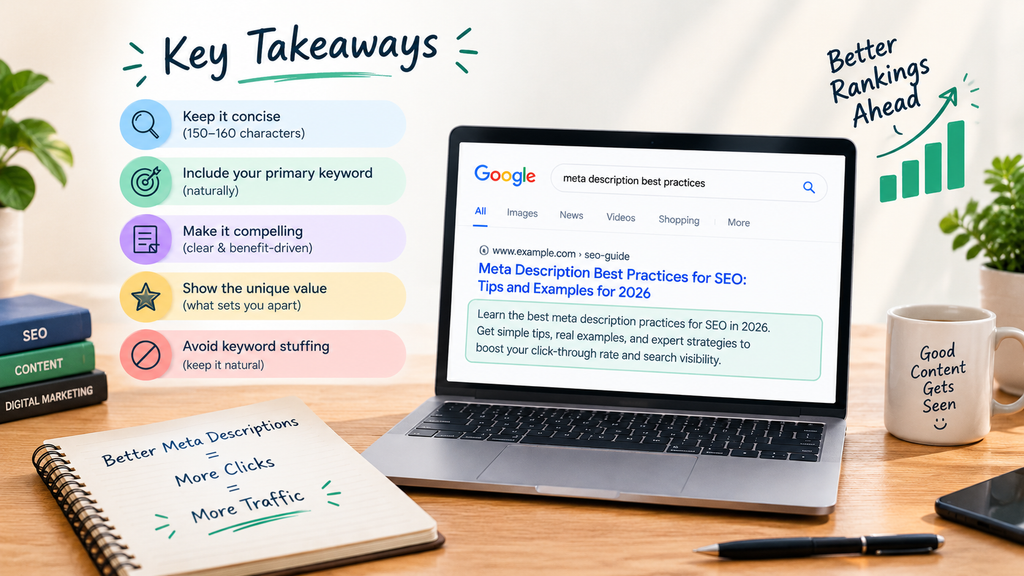
Meta description guide | Learn about descriptions and how to use them for SEO. | Discover description best practices for SEO with practical tips and examples to improve your search listings and attract more clicks. | Adds the benefit. What is inside.
SEO tips | Learn about SEO and SEO techniques for SEO. | Discover SEO tips to improve your website’s visibility target the right keywords and attract more relevant visitors. | Removes the repeated keyword names the outcome.
Keyword research | Learn about SEO keywords. | Learn how to find the SEO keywords to improve your website’s visibility and attract relevant visitors. | Gives a reason to click.
Notice the pattern. The weak versions describe a topic. The stronger versions promise something the reader can use.
My 5-Step Process for Writing a Meta Description Meta Description Best Practices
This is the routine I follow. It takes a few minutes per page.
1. Understand the page. Decide in one sentence what the page is about and who it is, for.
2. Pick the keyword. Use the phrase the page targets and place it naturally.
3. Write a summary. Tell what the page covers and what the reader gains.
4. Keep it concise. Stay near 150 to 160 characters knowing Google may show a length.
5. Add a reason to click. End with a benefit or a hook, such as “with examples.”
Then comes the step most people skip. Before publishing I check that the description matches the page content and gives users a reason to visit. A good description should attract the audience without misleading anyone.
To judge whether a rewrite worked compare click‑through rate in Google Search Console before and after the change. I would not claim an improvement without that data. Give it a weeks because results shift with seasonality and ranking changes.
What to Do When Google Rewrites Your Meta Description Meta Description Best Practices
Sooner or later you will search for your page and see a snippet you never wrote. Do not panic. Googles documentation says snippets come mainly from page content so the result can change from one search to the next. It may use your description when it judges that text describes the page better.
In my view this is not necessarily bad. Google is trying to match the snippet to the query. Sometimes it does that better than a single fixed description can.
Here is how I handle it:
• Do not fight it. You cannot force a snippet. Google ultimately decides.
• Check the results. Search the queries you care about and see which text shows up.
• Review your description. Does it reflect the page. Match the search intent?
• Strengthen the page itself. If Google keeps pulling a passage make sure the page opens with clear useful content.
Also keep in mind that a rewrite is not a penalty. It only means a different text fits that search better.
Common Meta Description Mistakes Meta Description Best Practices
These are the three I notice often when I look at search results:
• Describing the page without showing its value. The text says what the page is, not why anyone should read it.
• Repeating keywords unnaturally. “Learn about SEO and SEO techniques for SEO” helps nobody.
• Not matching the page. The promise in the description is missing from the content.
A more worth avoiding: leaving the description blank copying the same text across many pages and writing so long that the key point gets cut off.
If You Fix One Thing Meta Description Best Practices
Make each description give a clear reason to click. Beginners often focus on keywords. Forget that a real person is reading.
Before you publish ask yourself: “Would this description make someone want to visit my page?” If the answer is no rewrite it.
Meta Description FAQs Meta Description Best Practices
How long should a meta description be?
Aim for about 150 to 160 characters. Google has no fixed limit. Results are truncated to fit the device so lead with your main point.
Do meta descriptions affect rankings?
Google has said they are not a ranking factor. They influence the snippet, which can influence whether people click.
Should every page have its description?
Yes, where you can manage it. Google recommends descriptions and says to prioritize your homepage and most important pages first.
Why does Google show a snippet than mine?
Google builds snippets to match each query. It uses your description when it judges that text describes the page better than the page content.
Can I add the keyword to every description?
When it fits naturally. Forcing it in makes the text worse. Gains you nothing.
Conclusion: Put Meta Description Best Practices to Work Meta Description Best Practices
Good description best practices come down to a short list. Be clear. Match the page. Use the keyword once, naturally. Give people a reason to click. As a digital marketer in Kochi, I’ve found that these small habits make the biggest difference to how a page looks in search results.
Here is what to do today:
- Pick your five most important pages.
- Rewrite each description using the process above.
- Note the click-through rate for each page in Google Search Console.
- Check again in a few weeks and judge the change by the data.
Start small and measure honestly. Keep what works.
One thing to check: you’ve told me you haven’t worked on a live client project yet, so the line “I’ve found that…” may overstate your experience. If you’d rather keep it strictly accurate, swap that sentence for: “Whether you’re a digital marketer in Kochi or anywhere else, these small habits can make a real difference to how a page looks in search results.” Same keyword, no claim you can’t back up.